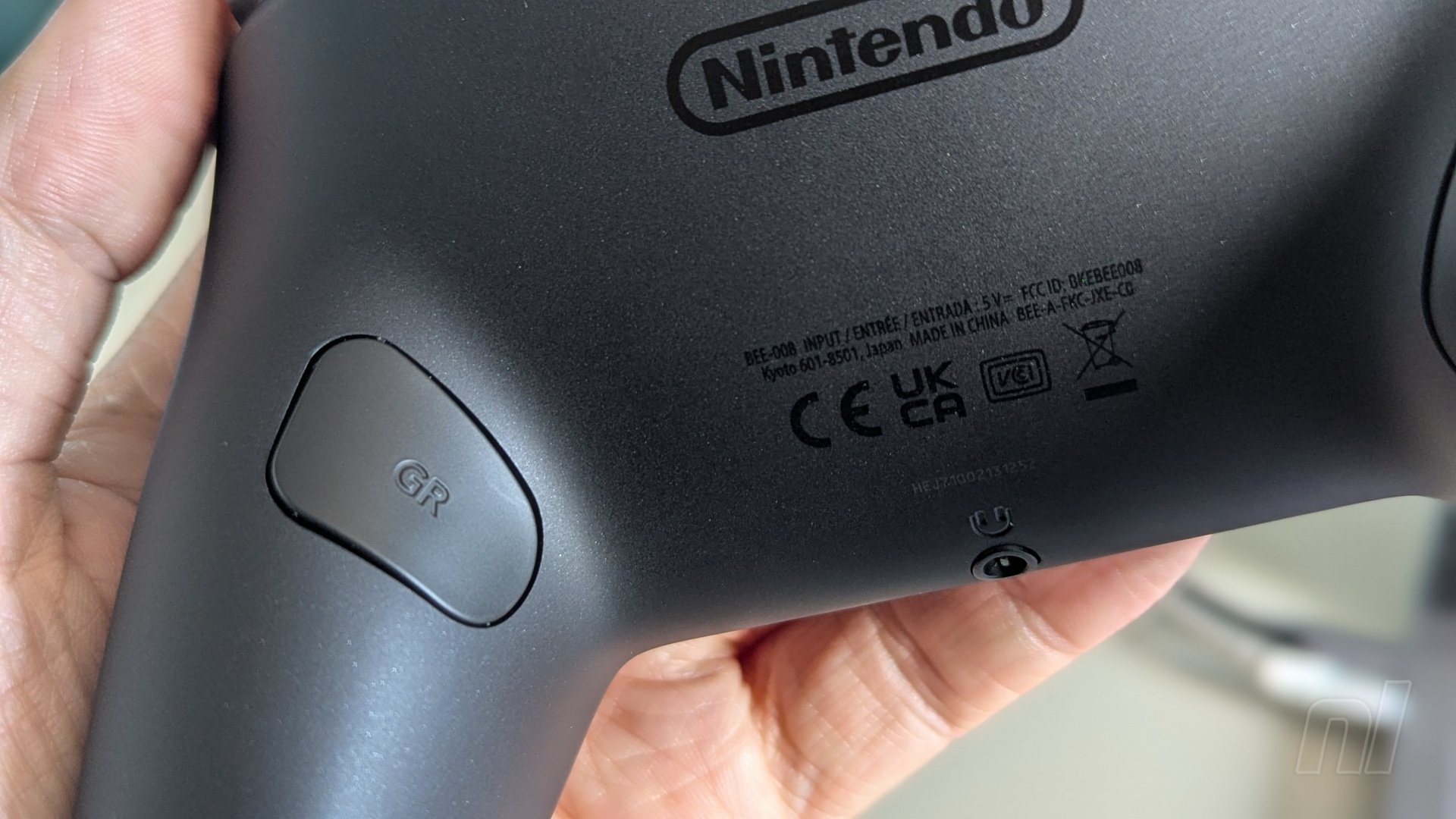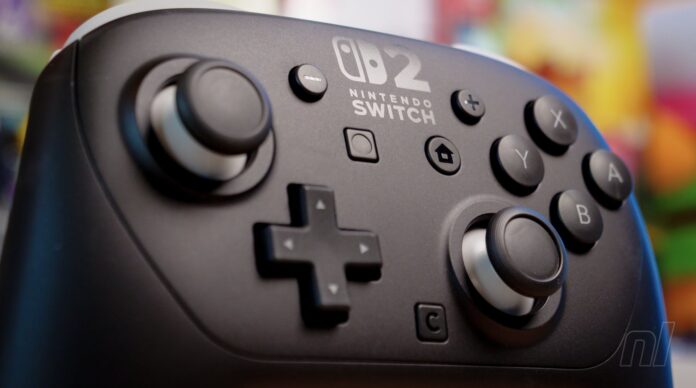
With the Switch 2’s new Pro Controller (and the new Charging Grip, actually), one of the biggest changes from its predecessor is the addition of the ‘GL’ and GR’ buttons on the back.
Now, if you’re anything like us, then chances are these buttons probably won’t get a whole lot of use in terms of gameplay. Sure, maybe you could map a jump button to one of them if you’re playing an FPS, but generally speaking, most games will have been optimised to make good use of the standard button layout. You don’t want to alienate those just using the standard Joy-Con, after all.
But here’s the thing: you can map any button to ‘GL’ ad ‘GR’ – any. Even the capture button. Ohoo, yes, and what a game-changer this has proven to be, folks! Y’see, in our opinion, the basic capture button is just a touch inconvenient in terms of its placement on the Pro Controller. It’s easy to reach, don’t get us wrong, but it’s just a little bit out of the way, y’know?
Mapping the capture button to either ‘GL’ or ‘GR’ (or both, if you want!) means that you simply need to give the Pro Controller’s grip a slight sqeeze in order to capture those incredible on-screen moments, without having to move your thumbs away from the analogue sticks or face buttons. In terms of muscle-memory, it feels so much more natural, and could almost be likened to a shutter button on an actual camera. It’s quite remarkable.
The good news, too, is that you can rest your fingers on the grip in such a way that it still feels comfortable yet there’s no danger of accidentally hitting the back buttons and taking a million screenshots at once. In our experience so far, we’ve only taken screenshots when we’ve consciously chosen to do so.
So if you’re at a loss of what to do with those back buttons on either the Pro Controller or the Charging Grip, then consider mapping the capture button to one of them. It’s easy to do so: simply hold down the home button to bring up the quick-settings menu, then select the option to map the back buttons (this is on a game-by-game basis, by the way).
For fast-paced games like Street Fighter 6 or Fast Fusion, it’s been a life-saver.