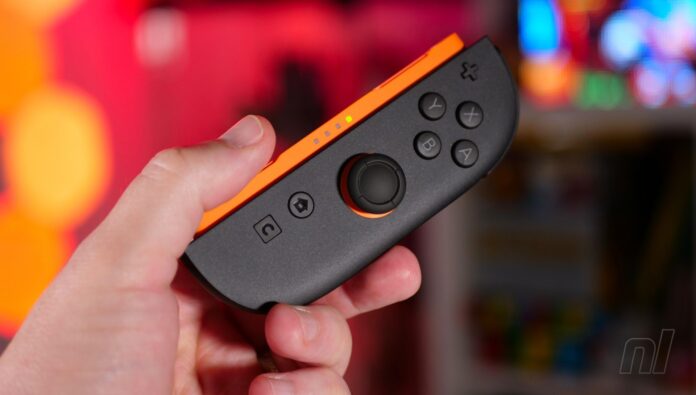
The Switch 2 has been out for almost a month now and during this time some users have been experiencing issues with their Joy-Con 2 and other Switch 2 controllers repeatedly disconnecting when using the system in docked mode.
If this has come up on your end, it might actually be due to the cables you’re using. As highlighted by IGN, Nintendo’s troubleshooting guide on its official customer support page notes how one way to potentially eliminate this problem is to simply make sure you’re using an “Ultra High Speed HDMI” cable.
Some users have also documented this problem online on sites like the Reddit, and have confirmed this quick swap has resolved their problem:
“I, like several other users, have been having frequent controller disconnects when using either the Joy-Con 2 or the Switch 2 Pro Controller with the Switch 2 in docked mode…There is luckily a fix for this, and as weird as it sounds, it has to do with the HDMI cable in use. If you are not using the official cable, try switching to it”
So if you’re still using the existing Switch HDMI or some other old cable that was already connected to your television or monitor, grab the high-speed one included in the Switch 2 box and connect it to your new system’s dock. These new cables will also get the best out of your Switch 2’s resolution and performance on the big screen.
If the problem persists in docked mode, Nintendo also recommends checking the AC adapter to make sure you’re using one that’s “powerful enough”. Again, the cable provided (model NGN-01) with the Switch 2 is ideally what you want, otherwise, it’s recommended you get an AC adapter that “outputs at least 54W”.
Nintendo also provides various other Joy-Con 2 and Switch 2 controller troubleshooting on its official support page, so if you are having any issues with your controllers, you can work through these steps until the problem is resolved.