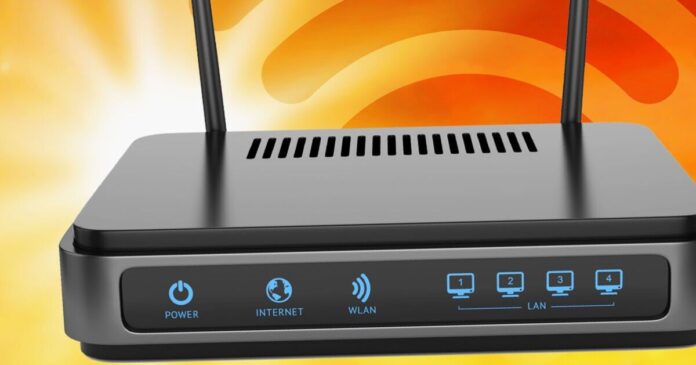
It’s been a long time coming but the UK is finally basking in glorious sunshine. Temperatures are expected to push towards 30 degrees by the middle of the week and whilst that might be good for your mood and all-important tan it can be very bad news for your broadband. Like most electrical devices such as phones, tablets and laptops, your Wi-Fi router really doesn’t like getting hot.
In fact, if you happen to have it sitting by your window you need to make some urgent changes if you want your broadband speeds to continue running smoothly.
If things overheat, the router may end up shutting itself down and that means you won’t have an internet connection for that afternoon Zoom call to the office or be able to stream tonight’s football.
Virgin Media is just one Internet Service Provider (ISP) that has confirmed to watch out for the weather. In an email, the firm said: “Always keep it indoors in a cool place and out of bright sunlight to prevent it from overheating.”
Should things go off due to the heat, give your router time to cool down. Once things are back to a normal temperature you should find your broadband gets back up to speed pretty quickly.
Even if your router feels cool, it’s always a good idea to check its position as there are plenty of things that will affect speeds.
For example, tucking it in a cupboard won’t help the connection and you must always make sure the device is in an upright position.
Keep it away from fish tanks, baby monitors, cordless phones and microwaves as all of these household things can interfere with speeds.
Virgin Media also recommends following its one-metre rule for better speeds.
“Move your Hub at least one metre away from objects such as televisions, wireless speakers and cordless phones. These devices have their own signals and can mess with your WiFi,” Virgin advised in its message to users.
By moving things away from other objects, you are far less likely to suffer any annoying interference and that should help to keep speeds up to scratch.