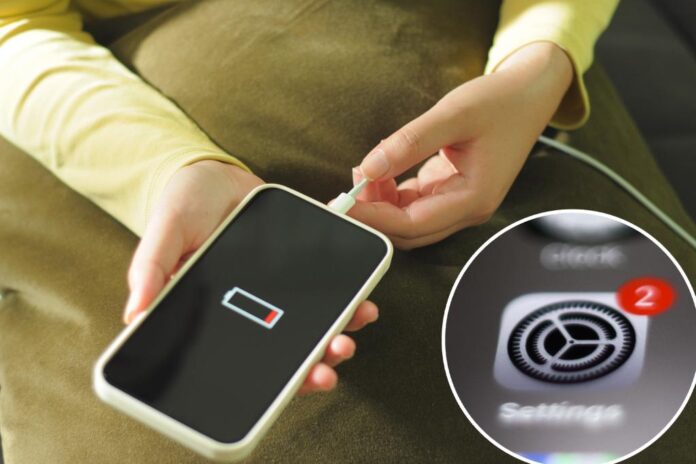
No one wants to be stuck with a dead phone on the commute home.
Fortunately, Apple has shared several simple settings adjustments that can significantly extend battery life, allowing users to get more out of each charge.
Three key settings — auto-brightness, auto-lock and location services — are particularly effective at conserving battery power.
Getty Images
Auto-brightness automatically adjusts the screen’s illumination based on the surrounding light conditions.
The feature uses built-in light sensors to detect ambient light levels, reducing the screen brightness in darker environments and increasing it when necessary. The function not only makes the display more comfortable for the eyes but also contributes to a longer-lasting battery.
To enable auto-brightness, go to Settings > Accessibility > Display & Text Size. Scroll down to find the auto-brightness toggle and turn it on.
Additionally, activating the “night shift” feature from this menu can further help preserve the battery. That reduces the blue light emitted from your screen, adjusting the color temperature to warmer tones based on the time of day and location, which may also help reduce battery usage during the evening hours.
Auto-lock is a feature that automatically locks your phone after a set period of inactivity, helping to save energy. If your iPhone’s screen stays on longer than necessary, it can drain your battery quickly.
That’s why Apple recommends adjusting auto-lock to a shorter duration to conserve power.
To adjust auto-lock, open Settings > Display & Brightness, then scroll down to the auto-lock option. Users can set it to as low as 30 seconds, which will ensure your phone shuts down quickly when not in use.
Another helpful tip is to disable the always-on display feature if you’re using an iPhone 14 Pro or later. It keeps the screen dimly lit, displaying information like the time and notifications even when the device is locked.
Although it was designed to have minimal impact on battery life, turning off the always-on display can still contribute to better overall battery performance.
This setting can be found in the same Display & Brightness menu.
Location services is a helpful tool that tracks your location for apps that request it, but it’s also a major battery drain. When using GPS, your phone consumes a significant amount of power.
To maximize battery life, consider disabling location services for apps that don’t require it.
To manage location services, go to Settings > Privacy & Security > Location Services. There, users will see a list of apps with access to your location. You can turn it off entirely or disable it for individual apps.
By making these simple adjustments, iPhone users could double their battery life — and avoid the dreaded “low battery” notification.